
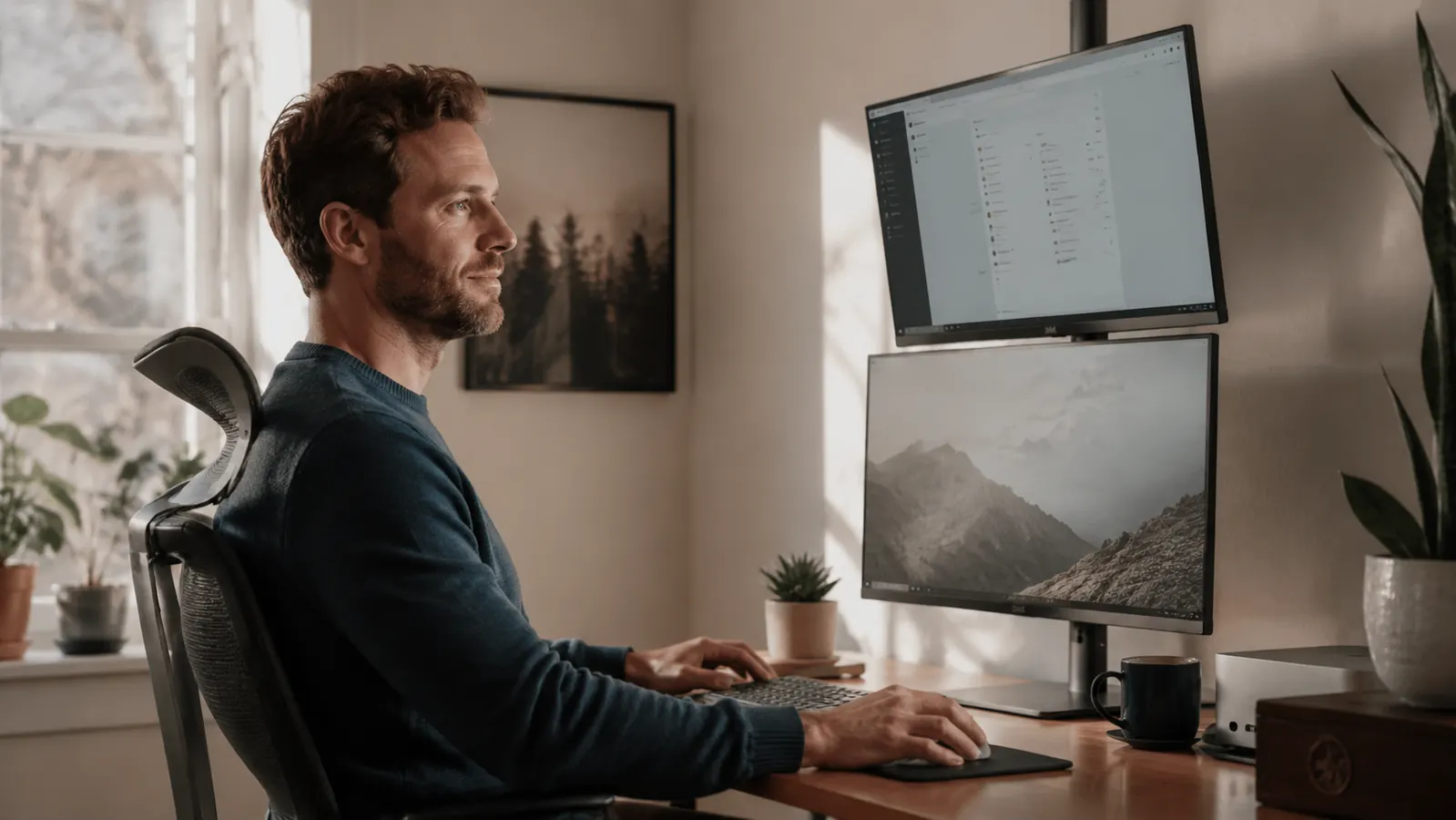
For the first two years of working from home, I used one monitor and told myself it was fine. I alt-tabbed constantly. I copied numbers from a spreadsheet into a document by holding them in my head for three seconds. I watched a video tutorial in a tiny window while trying to follow the steps at the same time. It was not fine. It was just the only thing I had tried.
The switch to two screens was one of those quiet changes that makes you wonder how you ever worked the other way. What makes it practical is a stand that holds both screens without consuming your whole desk. The VIVO Dual Monitor Stand, which has more than 60,000 reviews on Amazon and costs less than a dinner out, is the one I recommend without hesitation. Below are the 10 specific ways a second monitor changes a home office workday.
Still alt-tabbing all day? This affordable stand holds both screens and ships fast.
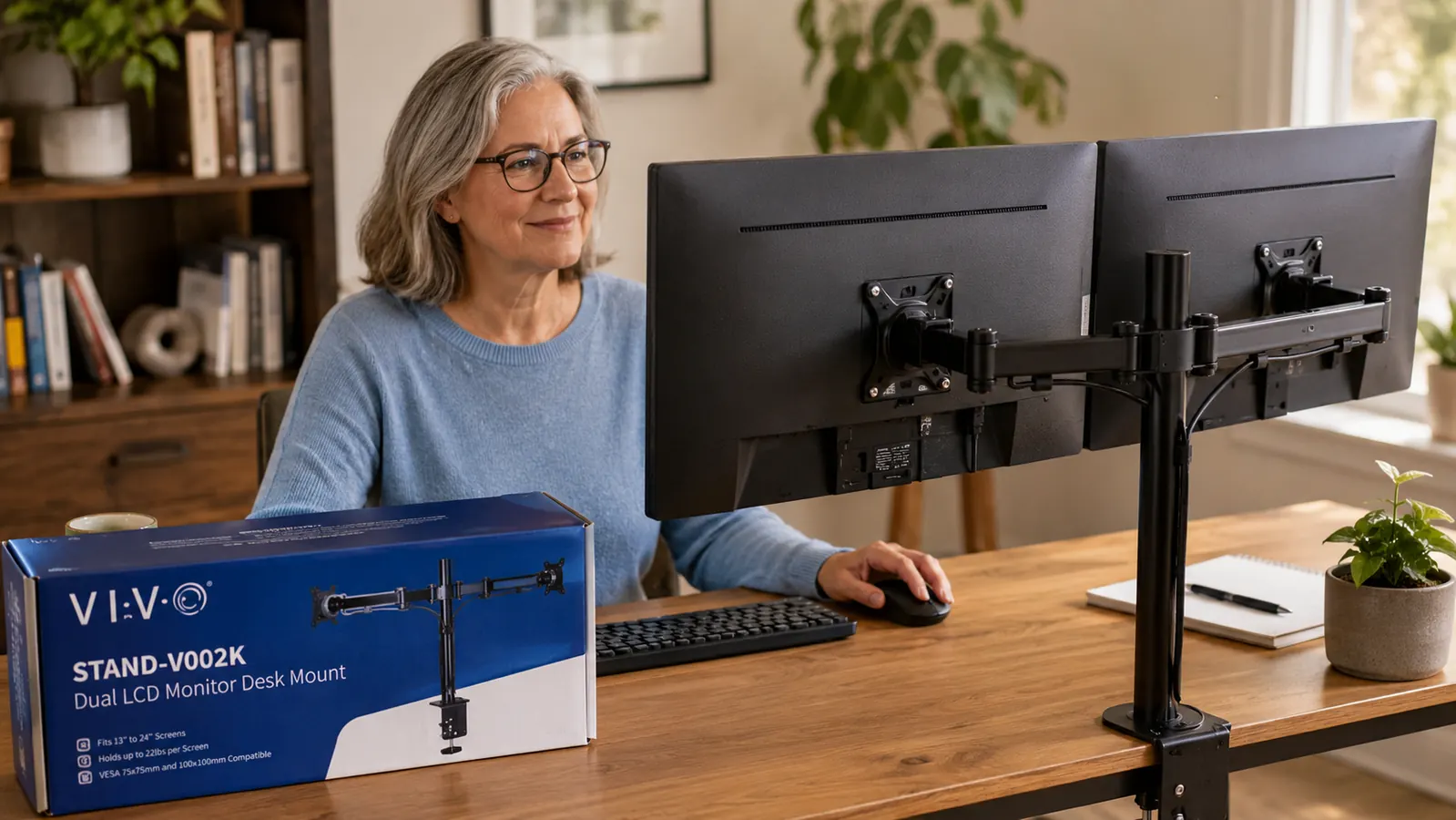
The VIVO Dual Monitor Stand fits desks up to 3.15 inches thick, holds screens up to 30 inches and 22 lbs each, and arrives mostly assembled. Over 60,000 buyers have called it the easiest monitor upgrade they have made.
Amazon Check Today's Price on Amazon →You Stop Holding Information in Short-Term Memory
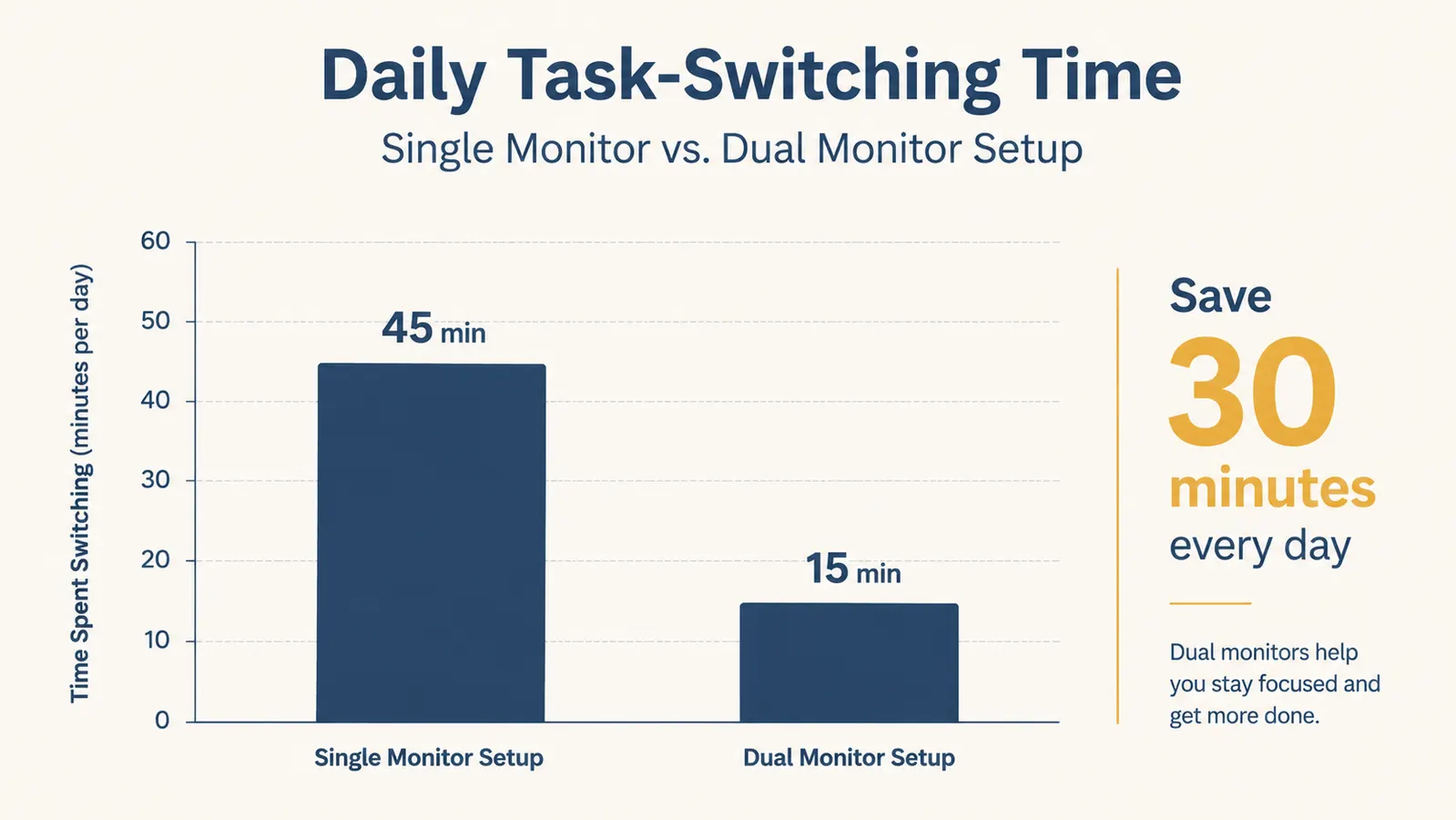
The single biggest productivity tax of one monitor is invisible: you read something on screen A, then switch to screen B, and spend a beat trying to remember exactly what you just read. It sounds small. Over eight hours it adds up to real mental fatigue. With two screens, the reference stays visible. Your working memory is freed up for the actual thinking.
Video Calls No Longer Eat Your Entire Screen
On a single monitor, a Zoom call means your notes, agenda, and email are all buried behind the video window. You either scramble to find things mid-call or you multitask badly. With a second screen, the call lives on one side and everything else stays open and visible on the other. You look more prepared because you actually are.
Writing With Research Open Is a Different Experience
If you write anything, whether that is emails, reports, social posts, or actual articles, having your research, outline, or brief on one screen while you write on the other removes the friction of constant switching. The words come faster. You quote accurately. You stop losing your place. This alone probably pays for the stand in the first week.
Your Desk Gets Cleaner, Not More Crowded
Two loose monitors on their factory stands eat an enormous amount of desk real estate. The VIVO mount replaces both factory stands with a single pole that clamps to the desk edge, lifting both screens off the surface entirely. The space underneath is suddenly usable again. For anyone running a home office in a shared room, this is not a small thing.

Spreadsheet Work Becomes Genuinely Manageable
A spreadsheet with 40 columns was never designed to be read on 13 inches of visible screen. With two monitors you can stretch a wide spreadsheet across both, or keep the raw data on one screen and the output or pivot table on the other. Finance people, project managers, and small business owners typically report the largest productivity gains from this one use case.
Eye and Neck Strain Drops When Heights Match
Factory monitor stands rarely match each other in height, and they rarely sit at the right ergonomic level for your eyes. The VIVO mount lets you set both screens to the same height and tilt with independent arms, so you are looking straight ahead rather than nodding down to a screen that is too low or craning up to one that is too high. Neck pain at the end of the day is often a screen-height problem in disguise.
Following a Tutorial While You Work Is Actually Possible
Learning a new tool, setting up software, or working through a course is a brutal exercise on a single screen. You pause the video, do a step, go back, pause again. With a second monitor, the tutorial plays on one side and you work on the other. Learning time for new software drops noticeably, and so does the frustration that usually goes along with it.
Your Home Office Looks Like a Real Workspace
This matters more than people admit. A calm, organized desk with two screens at matched heights looks intentional. It signals to anyone who sees your background on a video call, and to yourself every morning, that this is a real workspace. That psychological cue is worth something. A room that looks like a place you work tends to become a place you work better.
Setup Takes Under an Hour and Requires No Special Skills
The VIVO stand arrives with the arms partially assembled. You clamp the base post to your desk, attach the monitor brackets, and you are done. The clamp fits desks up to 3.15 inches thick and handles screens up to 30 inches and 22 lbs each. You do not need to drill anything, hire anyone, or watch a 45-minute YouTube walkthrough to get it right.
The Cost Is Lower Than Almost Any Other Productivity Upgrade
A second monitor arm from Ergotron will run you mid-range pricing. A new chair will run you several hundred dollars. A sit-stand desk conversion can hit even more. The VIVO stand sits at budget pricing, which puts it in a category almost nobody disputes: if you already have a second monitor sitting in a closet or picking up dust, this is the cheapest significant upgrade you can make to your home office today.
What I Would Skip
If you only have one monitor and are not ready to buy a second one yet, this stand is worth waiting on. The VIVO mount is built to hold two screens. Running it with a single monitor and a blank arm off to the side is not how it is designed, and it looks unfinished. In that case, a single-arm mount makes more sense until you are ready to go dual. Also, if your desk is a very light folding table or a glass-top desk under half an inch thick, check the clamp clearance before ordering.
Two screens does not mean twice the distraction. It means the reference stays visible and your brain stops doing the filing work.
For a deeper look at the VIVO stand itself, including how it handles two 27-inch monitors and whether the tilt arms stay put after adjustment, read the full long-term review. And if you are setting up dual monitors for the first time and want to get the heights and angles right from the start, the step-by-step setup guide walks through everything from cable routing to eye-level positioning.
Two screens, one stand, more desk space than you started with.
The VIVO Dual Monitor Stand has over 60,000 Amazon reviews and a 4.6-star rating. It holds screens up to 30 inches each, clamps without drilling, and takes less than an hour to set up. Check today's price and see if it ships to you.
Amazon Check Today's Price on Amazon →