

My neighbor called me three weeks before she moved into her new home office setup and said she had narrowed it down to two dual monitor stands: the VIVO at $35 and the Ergotron LX Dual at $229. She wanted to know if the Ergotron was worth six times the price. I told her what I am going to tell you. For most people working from home, it is not. But the reasons matter, and there are situations where the Ergotron does earn its price premium. This comparison lays out both honestly.
I have used the VIVO dual mount for eight months on a 60-inch oak desk in my home studio, holding two 24-inch monitors. I have also spent time with the Ergotron LX Dual at a friend's setup. The differences are real. The question is whether they matter for your specific desk, your monitors, and your budget.
| VIVO Dual Monitor Stand | Ergotron LX Dual | |
|---|---|---|
| Current Price | Moderate cost | Check today's price on Amazon |
| Max Screen Size (per arm) | 27 inches | 34 inches |
| Weight Capacity (per arm) | 22 lbs | 25 lbs |
| Mounting Options | Clamp or grommet | Clamp only (standard) |
| Cable Management | Built-in channels | Integrated routing |
| Tilt Range | 15 degrees up/down | 75 degrees combined |
| Arm Reach | 15.7 inches per arm | 25 inches per arm |
| Installation Time | Under 20 minutes | 30 to 45 minutes |
| Build Material | Steel with ABS plastic joints | Full aluminum with steel internals |
| Amazon Reviews | 60,000+ | ~12,000 |
| Value for Most Buyers | Excellent | Good if you need the range |
Where the VIVO Wins
The VIVO's biggest win is obvious: it costs $35 and holds two monitors well. But the price tag alone is not why over 60,000 people have bought and reviewed this stand. What makes it genuinely good is the stability for the money. I have two 24-inch monitors on mine and they do not wobble when I type. I knocked the desk accidentally last month while reaching for a glass of water, and both screens swayed briefly and settled. No crashing, no wobble that stayed. For a stand at this price, that is a real accomplishment.
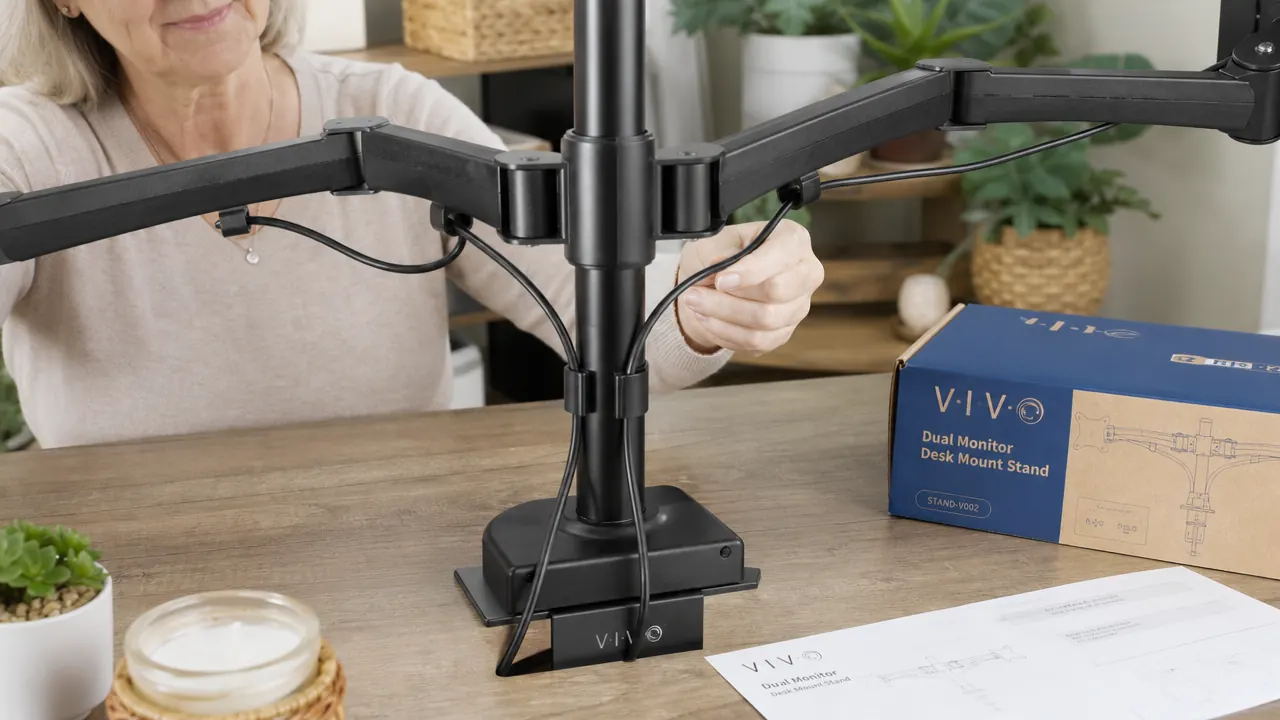
Setup is also straightforward. I had both monitors mounted in about 18 minutes on my first try with no prior experience with monitor arms. The clamp fits desks up to 3.5 inches thick, and the grommet option gives you a second choice if your desk surface has a hole. The cable management channels are simple slots in the arms, not the enclosed routing you get on premium stands, but they are enough to keep things tidy with a couple of velcro ties. For a home office that needs to look calm and not chaotic, VIVO gets you there.
Where the Ergotron LX Dual Wins
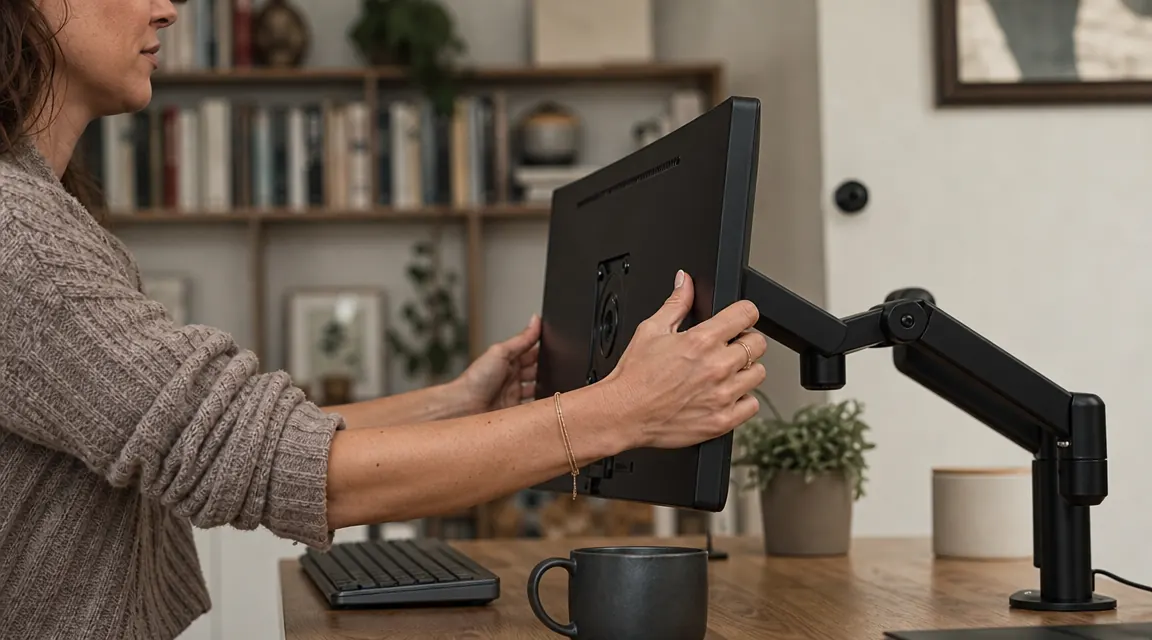
The Ergotron LX Dual earns its premium in two specific areas: arm reach and tilt range. Each arm extends up to 25 inches from the pole, compared to VIVO's 15.7 inches. If you have a deep desk and want your monitors pulled far forward into your field of view, or if you need to swing a screen dramatically to one side to show someone at a standing position, the Ergotron's reach matters. The tilt and swivel articulation is also genuinely smoother. Ergotron uses a tension-adjustment system that lets you dial in exactly how much resistance each arm has, so lighter monitors do not droop.
The build quality is also in a different category. The aluminum construction feels solid in a way that you notice when you first handle it. If you are the type of person who keeps equipment for ten or fifteen years and wants something that will not develop loose joints, the Ergotron is the more durable long-term choice. The premium is not imaginary. It is just a question of whether it is worth $194 to you for your specific situation.
Most home offices do not need $229 in monitor arms. Here is the one that works.
The VIVO dual monitor stand holds two screens up to 27 inches and 22 lbs each, sets up in under 20 minutes, and has over 60,000 verified Amazon reviews. At current price, it is the most value-per-dollar option on the market for home office dual monitor setups.
Amazon Check Today's Price on Amazon →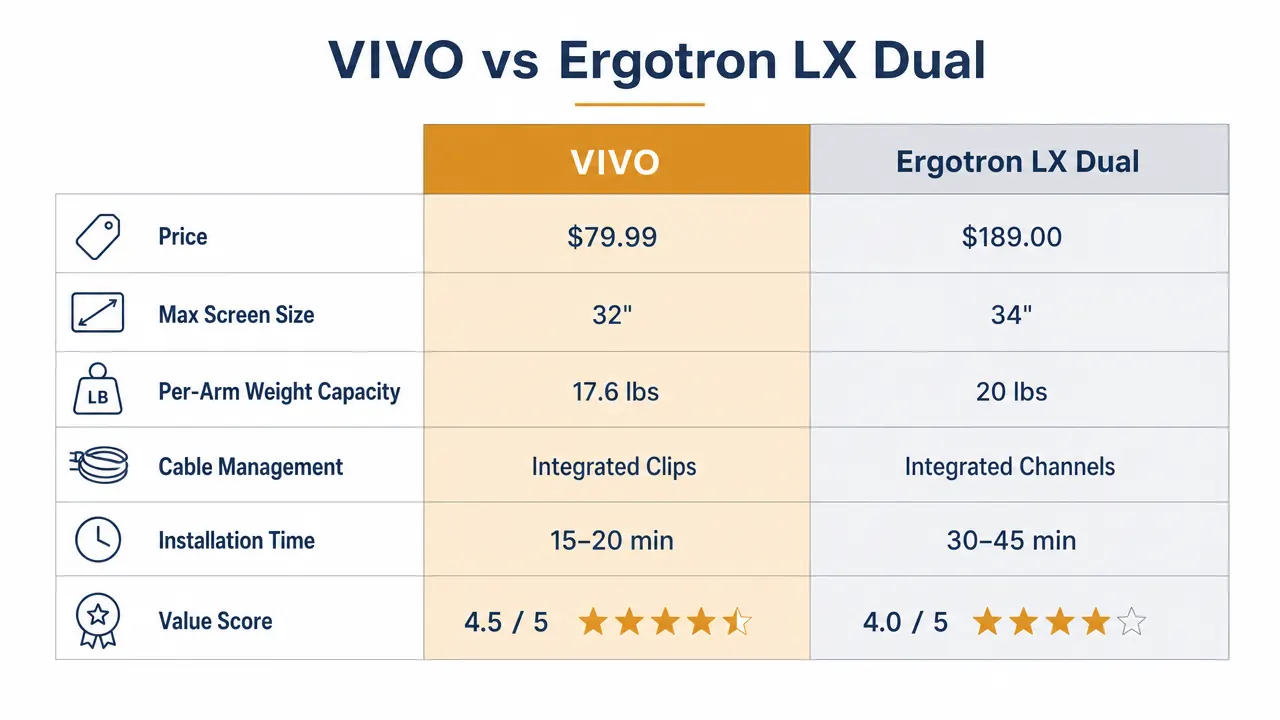
The Real Tradeoff: Reach and Wobble
Here is the honest version of where VIVO falls short. If you have monitors heavier than 22 lbs each, or larger than 27 inches, the VIVO is not rated for that and you should not push it. The arm joints can also develop slight play over time, particularly if you are repositioning your monitors frequently. People who like to swing a screen out of the way and back several times a day will notice this more than people who set their monitors once and leave them. I have not repositioned mine more than a handful of times in eight months, so it has not been an issue for me.
The tilt range on VIVO is also more limited. You get 15 degrees of tilt per arm, which is enough for most seated positions but may not satisfy you if you are unusually tall or short, or if you need to angle a monitor significantly downward. The Ergotron's 75-degree combined range is noticeably more flexible for unconventional setups.
I set my VIVO monitors once eight months ago. They have not moved since, and they look exactly right. For the way most people actually use a home office, that is the entire story.
Who Should Buy Which
Buy the VIVO if your monitors are 27 inches or smaller, you are not repositioning them constantly, and you want your desk to look clean without spending more than you need to. That describes most home office setups, including mine. The 60,000-plus reviews tell you that the people who bought this stand were largely satisfied. It does what it says on the box at a price that lets you spend money on other parts of your setup.
Buy the Ergotron LX Dual if you have monitors larger than 27 inches or heavier than 22 lbs each, if you genuinely need more than 15 inches of arm reach from the pole, or if you plan to frequently reposition your screens throughout the day. Content creators who rotate between desk work and client calls with a camera behind them, for instance, might find the Ergotron's flexibility genuinely useful. Designers running dual 32-inch panels will need it.
For most remote workers, freelancers, students, and people who just want two screens set up nicely and left alone, the VIVO does everything required at a price that feels almost unreasonably affordable. If you are curious how it holds up over months of daily use, I have a full long-term look in my VIVO dual monitor stand review. And if you are still thinking through whether dual monitors are worth the upgrade at all, 10 reasons a dual monitor setup changes how you work from home covers the productivity case.
Two screens. Clean desk. Under $40. The VIVO dual mount makes it easy.
Over 60,000 buyers have landed on this stand as their home office solution. It holds two monitors up to 27 inches and 22 lbs each, ships fast, and takes less than 20 minutes to install. If you have been putting off this upgrade, today's price makes it an easy yes.
Amazon Check Today's Price on Amazon →